
How to Make a Book Trailer for Indie Authors (Step-by-Step)
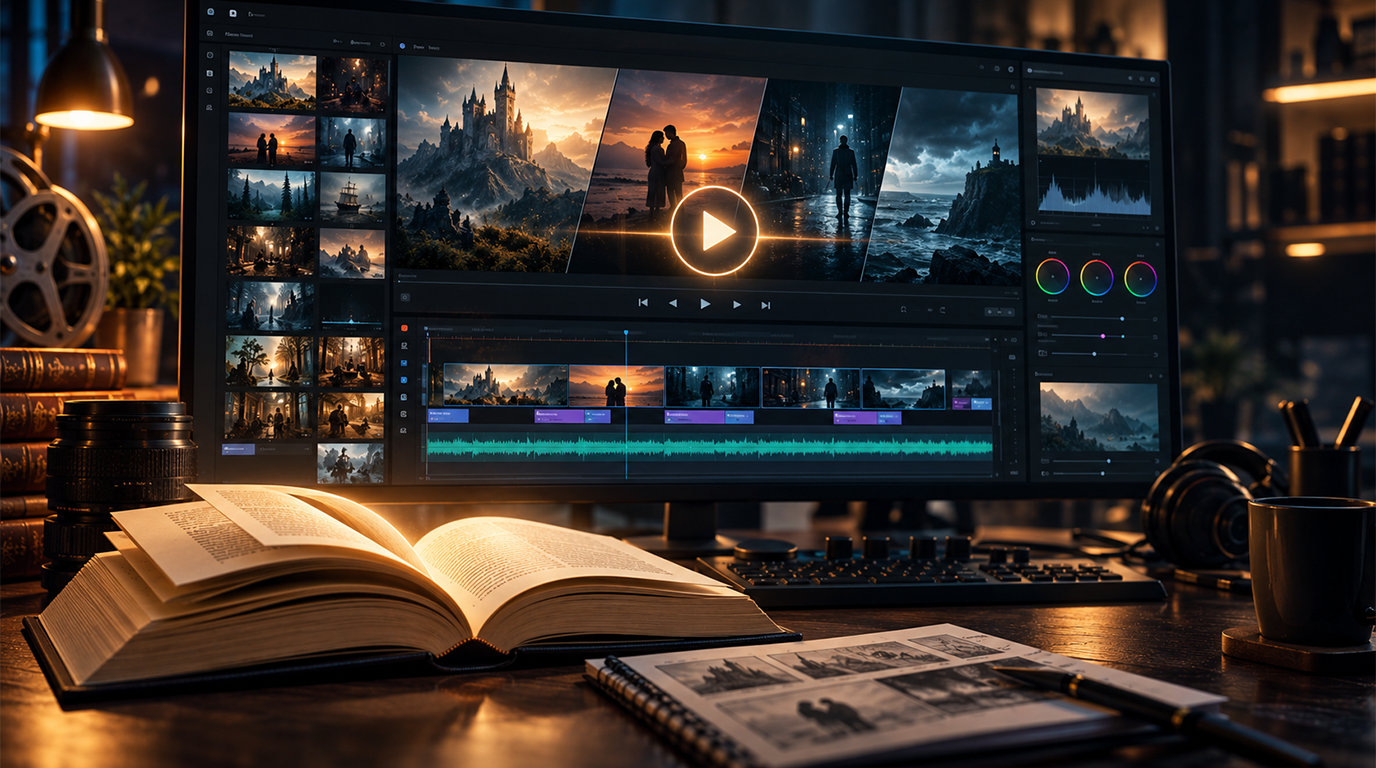
To make a book trailer: write a 30–60 second script focused on mood and stakes (not plot summary), choose your visual approach (stock footage, illustrated, or AI-generated), select licensed background music, assemble and edit in a video tool, export at 1080p, and upload to YouTube. The process takes 5–15 hours for a functional DIY result. A professional book trailer from BookFellaz starts at the Authority package ($1,800) and includes scripting, production, and licensing.
What Is a Book Trailer?
A book trailer is a short promotional video — typically 30 to 60 seconds — that communicates the emotional promise of your book to potential readers. Like a film trailer, the goal is not to summarize the plot but to make the right reader feel something and want to know more. Book trailers are used on author websites, YouTube, Instagram, TikTok, Facebook, and launch campaign landing pages.
Step 1 — Write a 30–60 Second Script
The script is the foundation of your book trailer. A common mistake is trying to summarize the plot — this produces a trailer that is too long, too complex, and emotionally flat. Instead, write for mood, stakes, and the reader's desire.
Script structure that works:
- Opening (0–10 seconds): Establish the world or the central tension in one visual and one text overlay. No dialogue, no exposition.
- Middle (10–35 seconds): Raise the stakes in two or three short text overlays. Each overlay should be a single sentence or phrase — never more than 8 words. The pacing of text reveals should mirror the pacing of your book's genre.
- Closing (35–60 seconds): Land on the book cover with the title, author name, and a single CTA ('Available now' or 'Coming [date]').
Write the script in a column format: LEFT column = visual and shot description, RIGHT column = text overlay. This format makes the production stage faster and the review easier.
Step 2 — Choose Your Visual Approach
- Stock footage: Sites like Pexels, Pixabay (free), Storyblocks, and Artgrid (paid) offer royalty-free footage. Advantages: fast, realistic, no technical skill required. Limitations: you are limited to what is available; finding genre-accurate footage for specific settings (epic fantasy, Regency ballrooms) can be difficult or expensive.
- AI-generated imagery: Tools like Runway, Kling, and Pika generate video clips from text prompts. Advantages: can produce fantasy or genre-specific visuals unavailable in stock libraries; distinctive aesthetic. Limitations: requires prompt skill; output quality is inconsistent; licensing terms vary by platform — verify before commercial use.
- Illustrated and motion graphics: Commission static illustrated images and add camera movement (Ken Burns effect) and text overlays. Advantages: unique visual style; can match your book cover aesthetic exactly. Limitations: higher cost if you are commissioning illustrations; more design skill required for the motion treatment.
- Book cover animation: Animate elements of your own book cover — a rotating cover, a zoom-in on a key detail, a particle or light effect over the cover artwork. Advantages: uses an asset you already own; creates visual continuity between cover and trailer. Limitations: static covers without complex design elements can look thin when animated.
Step 3 — Select Music and Sound
Music is the single biggest driver of emotional response in a book trailer. The right score makes a mediocre visual cut feel cinematic. The wrong score undercuts every other production decision.
Licensing is non-negotiable. Using a copyrighted track — a commercial song or a film score — without a license will result in your YouTube trailer being muted or removed. Use royalty-free music platforms:
- Epidemic Sound: Paid subscription — good for YouTube and social media use
- Artlist: Paid subscription — broad commercial license including ads
- Free Music Archive and ccMixter: Free with attribution for some licenses
- YouTube Audio Library: Free for YouTube uploads only
Match the tempo and instrumentation to your genre: orchestral build for epic fantasy, ambient tension for psychological thriller, warm acoustic for contemporary romance.
Step 4 — Assemble and Edit
Free and low-cost editing tools available to indie authors:
- CapCut: Free, mobile and desktop. Good for simple assembly, text overlays, and social exports. Limited professional grading tools.
- DaVinci Resolve: Free desktop software. Professional-grade editing and color grading. Steeper learning curve.
- iMovie (Mac): Free, beginner-friendly. Limited export options and no professional color tools.
- Adobe Premiere Pro: $20–$55/month. Professional-grade; significant learning investment.
Assembly order:
- Place all clips in sequence according to your script column format.
- Add text overlays at the correct timing points.
- Layer the music track and adjust clip timing to match musical beats.
- Review the full cut without sound, then with sound.
- Export at 1080p MP4.
Step 5 — Export and Upload to YouTube
Export settings for YouTube: MP4 format, H.264 codec, 1080p resolution (1920 x 1080), 24 or 30 frames per second. File size should be under 500MB for a 30–60 second trailer.
YouTube upload checklist:
- Title: Include your book title, author name, and 'official book trailer' for searchability
- Description: 200–300 words including your book synopsis, buy links, and author website URL
- Thumbnail: Your book cover or a high-contrast still from the trailer — not an auto-generated frame
- Tags: Include book title, author name, genre, and relevant category terms
- End screen: Add a 20-second end screen linking to your author website or subscription link
Step 6 — Use It on Your Launch Page and Social Media
A book trailer you have uploaded to YouTube can be embedded on your author website without slowing page load. Embed the YouTube video on your book landing page above or near the blurb section.
For social media, export additional cuts optimized for each platform:
- Instagram Reels and TikTok: Square (1:1) or vertical (9:16) format, 15–60 seconds, text and key moments front-loaded for muted viewing
- Facebook video: Standard 16:9 horizontal format works; add subtitles for muted autoplay
- Twitter/X: 30 seconds or under for best completion rates
When to Hire a Professional Instead
A DIY book trailer is reasonable when you have the time, basic video editing comfort, and a genre that is well-served by available stock footage. Consider hiring a professional when:
- Your launch date is within 4 weeks and you cannot afford the 10–15 hours of DIY production
- Your genre requires visuals unavailable in stock libraries (specific fantasy worlds, historical settings, niche subgenres)
- You need the trailer to coordinate visually with your cover and website as part of a coherent author brand
- You want licensed music handled without researching every platform's license requirements yourself
- Your Authority or Scale package already includes a professional trailer — the cost is absorbed into the broader project
Explore our Professional Book Trailer Service.
Frequently Asked Questions
How long should a book trailer be?
30–60 seconds is the optimal length for book trailers in 2026. Under 30 seconds rarely establishes enough emotional context. Over 90 seconds sees significant audience drop-off. For platform-specific use: Instagram Reels perform best at 30–45 seconds; YouTube trailers can run to 60 seconds.
Do I need a voiceover in my book trailer?
No. Most effective book trailers use text overlays rather than voiceover — partly because a significant percentage of social media video is watched on mute, and partly because finding a voiceover that matches the book's tone is difficult. Text overlays with strong pacing and appropriate typography are more reliable than narration.
What music can I use in a book trailer without copyright issues?
Use royalty-free music from licensed platforms: Epidemic Sound, Artlist, Free Music Archive, or YouTube Audio Library. Never use a commercial song or film score without a specific license for video use. Copyright claims on YouTube can mute your trailer or prevent monetization.
Can I make a book trailer with Canva?
Canva has a basic video editor that can produce simple animated covers and presentation-style trailers. It is suitable for a first attempt on a minimal budget. For genre-specific visual storytelling and professional pacing, a dedicated video editor (CapCut, DaVinci Resolve, Premiere) produces significantly better results.
How much does a professional book trailer cost?
Professional book trailer production costs vary widely: $200–$500 for a basic service; $800–$2,000+ for a full production with original scripting, visual development, and licensed music. BookFellaz includes professional book trailer production in the Authority package ($1,800 total for cover + website + trailer) and Scale package.
Ready to build your author presence?
Explore our packages or get in touch for custom book covers, websites, and trailers.